 Remote and casting for Roku TV
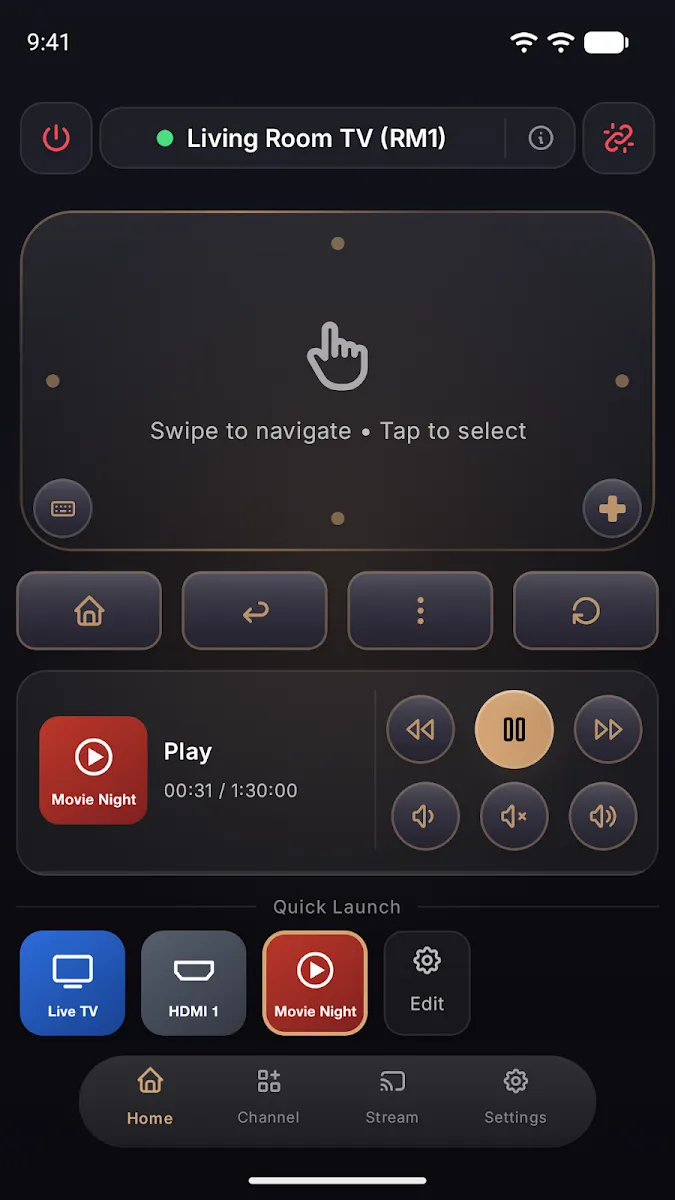
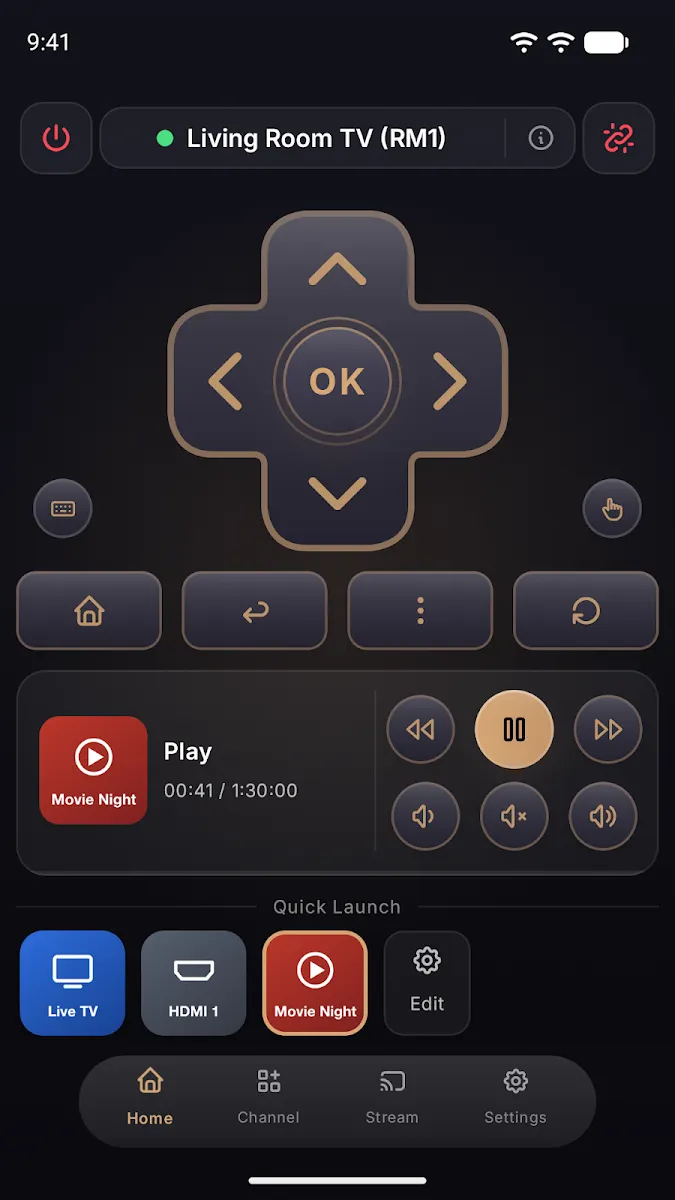
Your phone is the Roku remote.
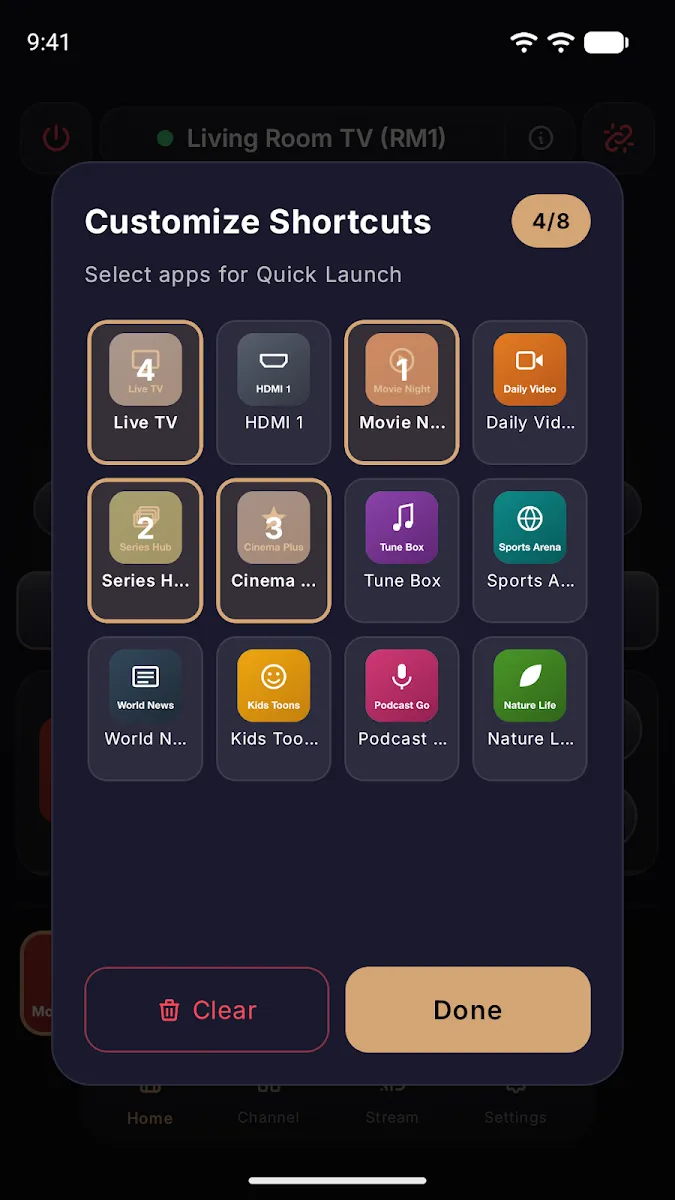
Control your Roku TV with a swipe pad, keyboard and shortcuts. Then cast photos, videos, music and documents to the big screen with our free Roku channel.
Scan with your phone camera. It opens the right store for your phone.
Free to download. The Roku channel and casting are free. Optional Premium unlocks more.
A remote that does more.
Cast photos, video and music
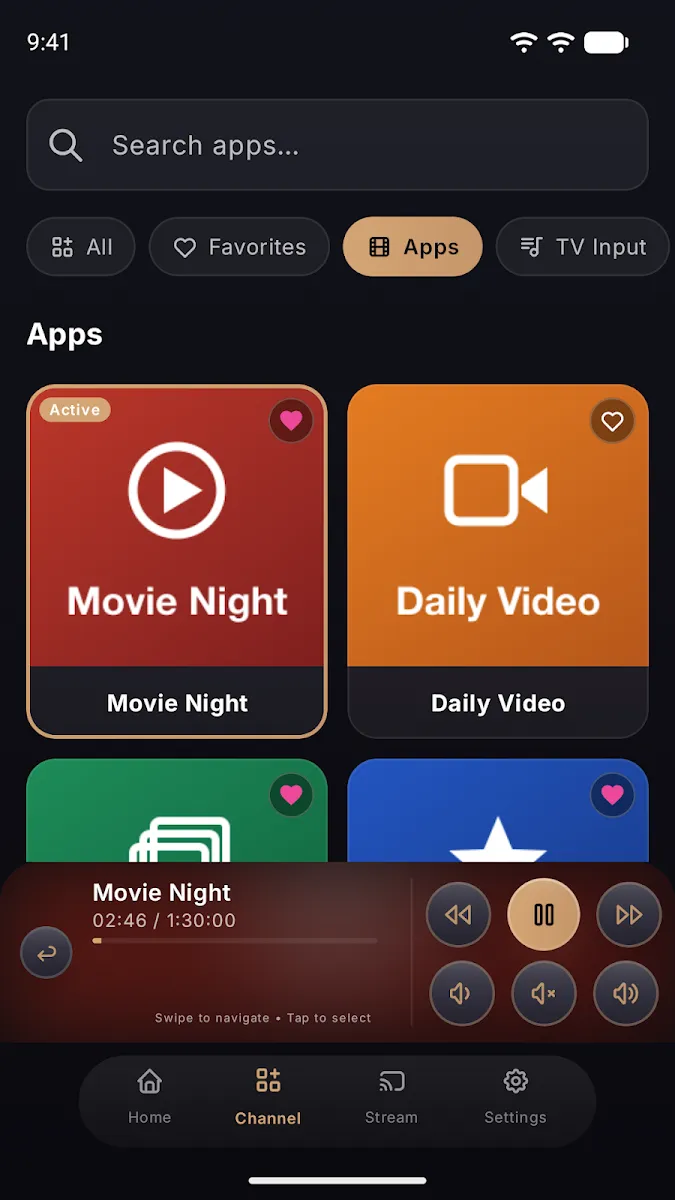
Pick something from your phone and tap Cast. It plays on the TV through the Wac Ultra Stream channel.
Documents on the TV
Show Word, PDF and PowerPoint files on the big screen and turn the pages from your phone.
Museum art
Turn the TV into a frame for public domain paintings from museum collections.
Activities for the room
A workout timer and a Game Night wheel that everyone can see on the TV.
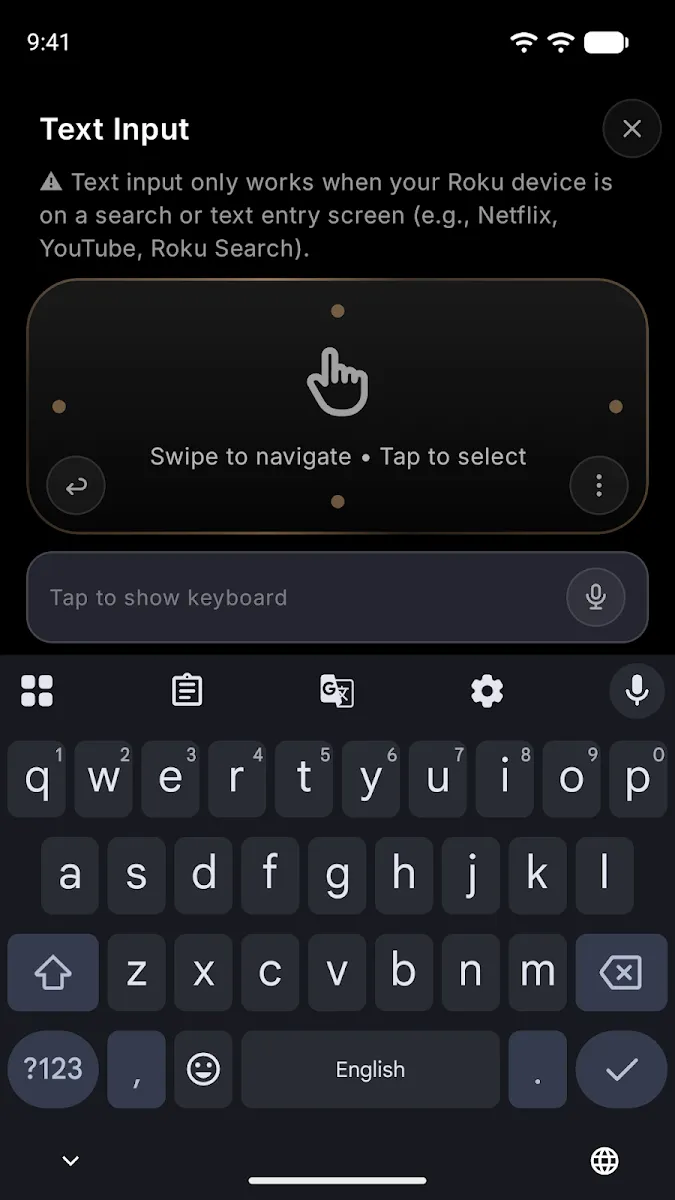
Type with your keyboard
Type into Roku search boxes with your phone keyboard instead of the on-screen letters.
Wi-Fi, not infrared
Works from any room in the house. The app finds your Roku on the network by itself.
Cast to your TV in three steps.
Install the app
Get Ultra Remote for Roku TV from Google Play, or from the App Store once the iPhone version is live. It is free to download.
Add Wac Ultra Stream
On your Roku, add the free channel Wac Ultra Stream. It is the receiver your TV needs to show what you cast. Add the channel
Pick and cast
Choose a photo, video or song on your phone, then tap Cast. It plays on your TV right away.
Same Wi-Fi network
Your phone and your Roku device must be connected to the same Wi-Fi network. Guest networks and mobile hotspots usually do not work.
Turn on network access on your Roku
On the Roku home screen, open Settings and set Network access to Allow:
Your media stays on your network
Photos, videos and music travel directly from your phone to your Roku over your local Wi-Fi network.
Nothing passes through Wac Labs servers. We do not upload, store or view the media you cast.
Need a hand?
The app cannot find your Roku, casting fails, or something else is not working? Tell us what happened and we will help.
The app does not find my Roku. What should I check?
Check that the phone and the Roku are on the same Wi-Fi network and that Network access is set to Allow under Control by mobile apps. Then reopen the app.
Why do I need the Wac Ultra Stream channel?
The remote works without it. Casting photos, videos, music and documents needs a receiver on the TV, and Wac Ultra Stream is that receiver. It is free.
Is Ultra Remote an official Roku app?
No. Ultra Remote is made by Wac Labs, an independent studio. Roku is a trademark of Roku, Inc.
When is the iPhone and iPad version available?
It is in App Store review now. The App Store button on this page turns on as soon as Apple approves it.