 Voice remote for Samsung TV
Just say it. Your TV listens.
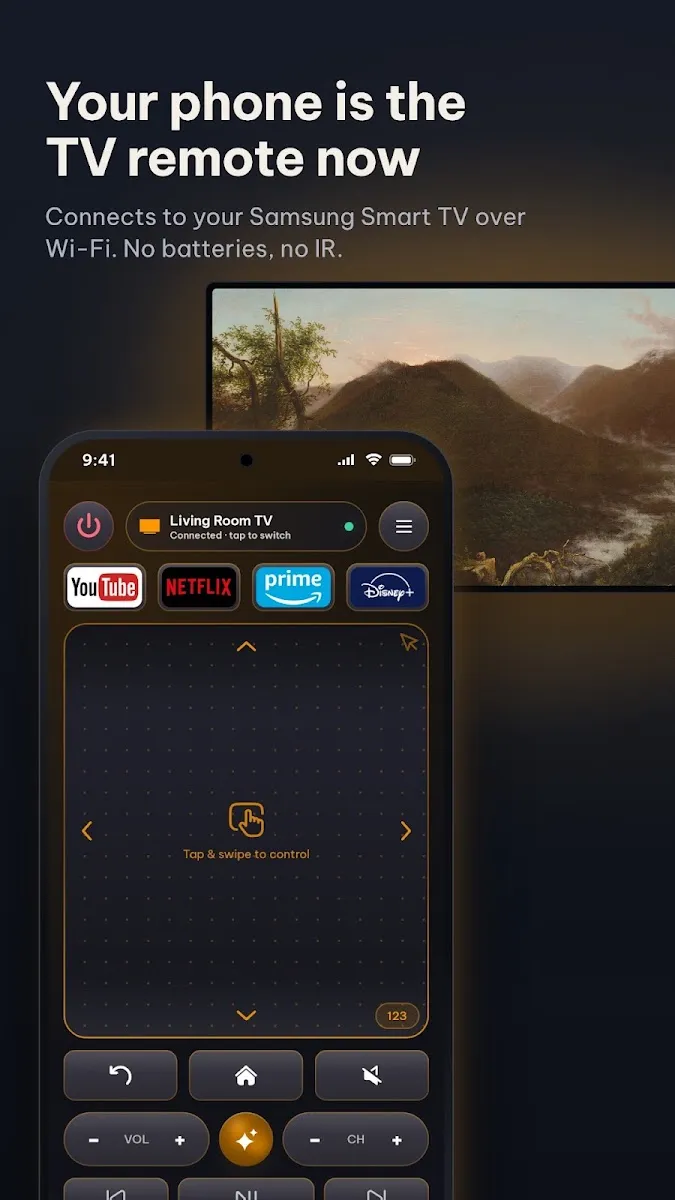
Sate turns your phone into a remote for any Samsung Smart TV on your Wi-Fi. Talk to your TV, open apps in one tap and put your photos on the big screen.
Scan with your phone camera. It opens the right store for your iPhone, iPad or Android phone.
Free to download. Optional Premium unlocks extra features.
Everything the remote did, and more.
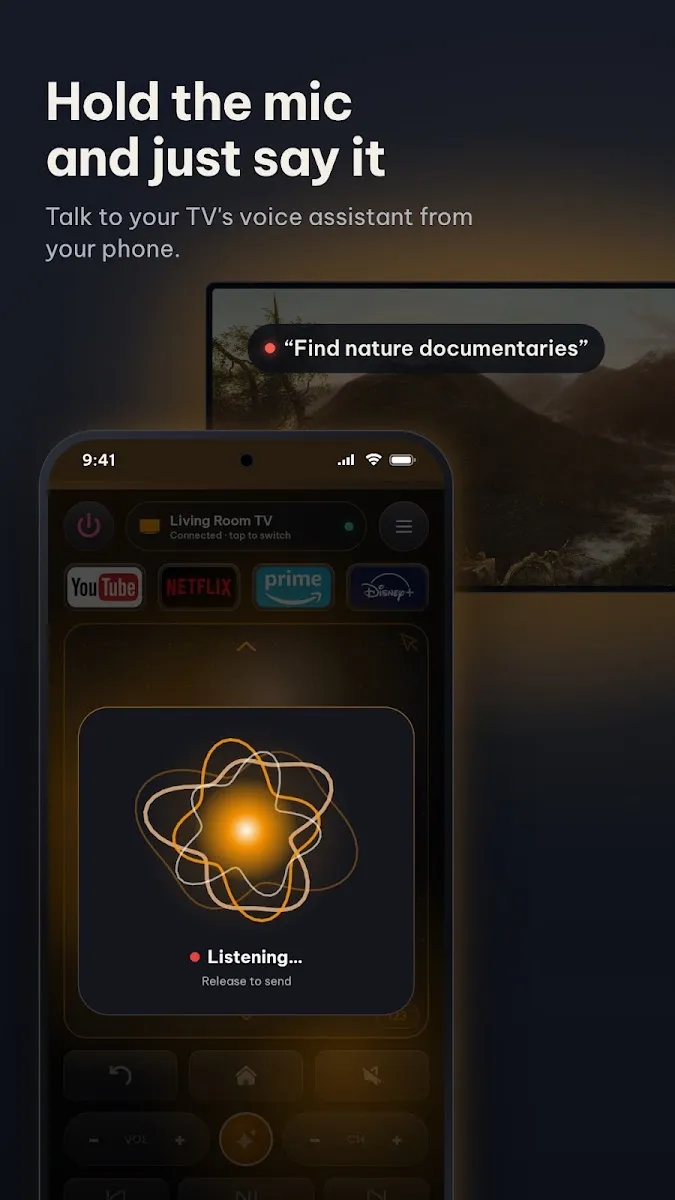
Voice control
Hold the mic and ask for a show, a channel or a setting. Your words go to your TV's own voice assistant.
No batteries, no IR
Sate talks to the TV over your home Wi-Fi, so it works from any room and never needs a line of sight.
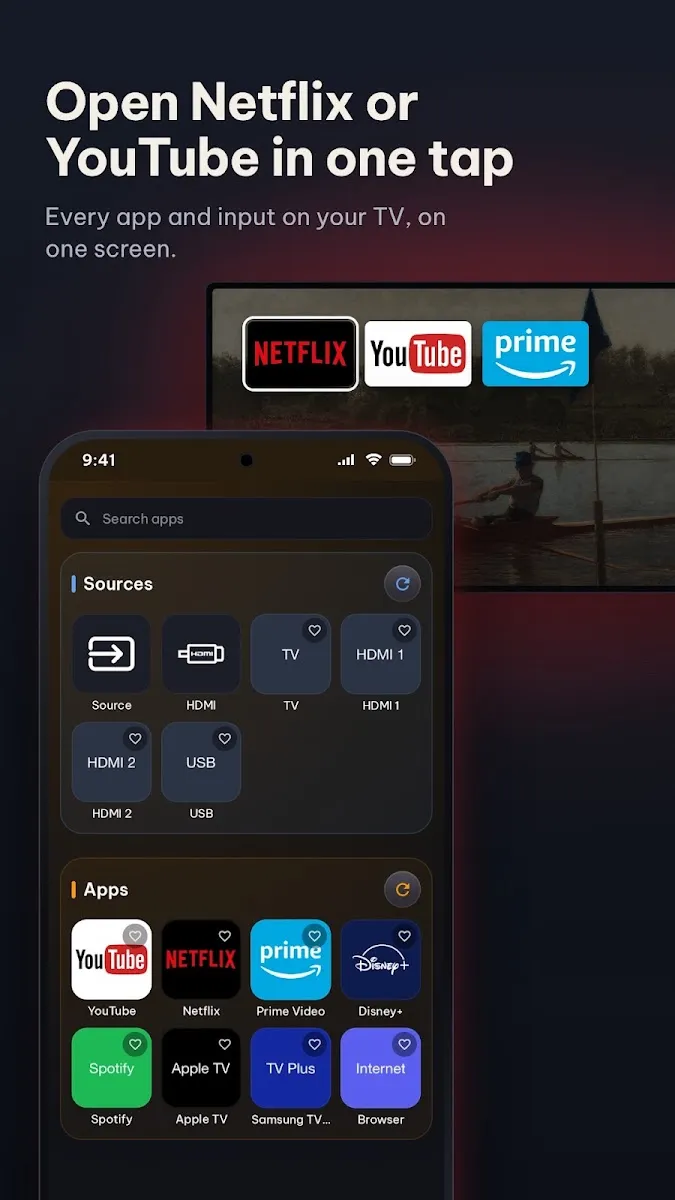
One-tap apps
Open Netflix, YouTube, Prime Video or any HDMI input straight from your phone.
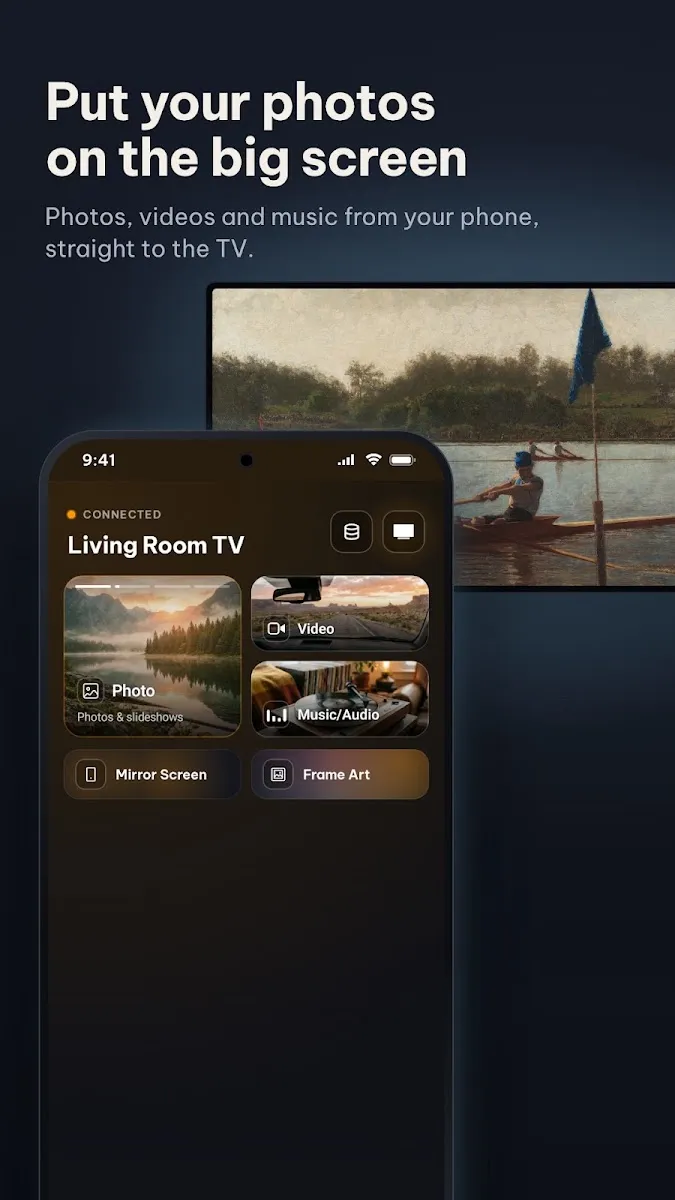
Cast from your phone
Send photos, videos and music from your gallery to the TV for the whole room to see.
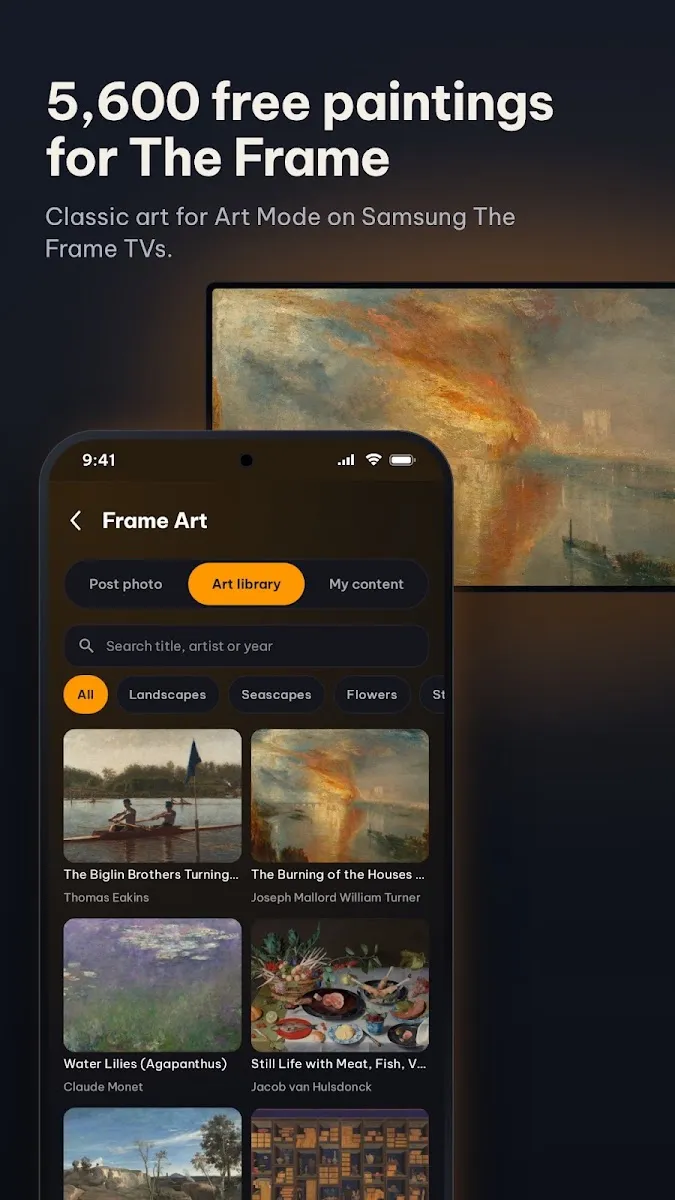
Art for The Frame
Browse 5,600 classic public domain paintings and set one as Art Mode on your Samsung The Frame.
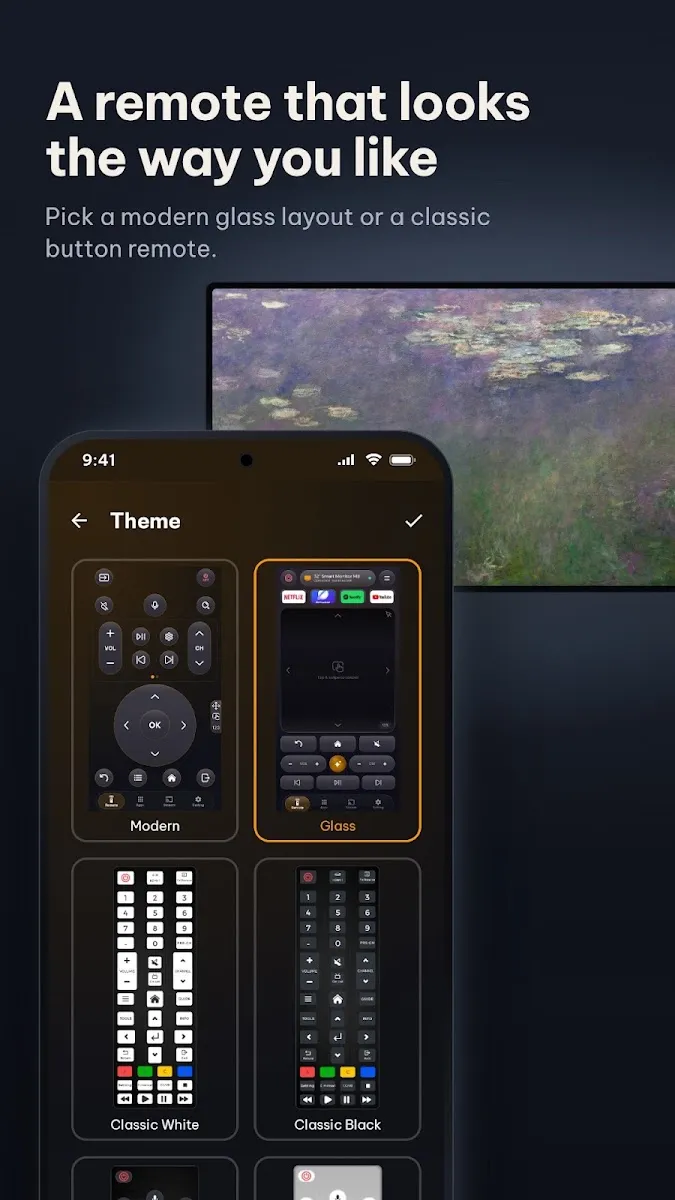
Themes and layouts
Pick a glass, classic or minimal remote, in the colors you like, on phone and tablet.
Connected in under a minute.
Install Sate
Get it from the App Store or Google Play. It is free to download.
Join the same Wi-Fi
Your phone and your Samsung TV need to be on the same home network. Guest networks often block devices from seeing each other.
Allow on the TV
Pick your TV in the app. The first time, your TV asks to allow the connection. Choose Allow with the TV remote.
Good to know
Something else? Email wacteam.lab@gmail.com and tell us your TV model.
Which TVs does Sate work with?
Samsung Smart TVs that connect to your Wi-Fi network. Art Mode features need a Samsung The Frame TV.
The app cannot find my TV. What should I check?
Make sure the TV is on and that the phone and the TV use the same Wi-Fi network. If the TV once denied the connection, allow it again in the TV's device connection settings, then reopen Sate.
Is Sate an official Samsung app?
No. Sate is made by Wac Labs, an independent studio. Samsung and The Frame are trademarks of Samsung Electronics.
Does Sate cost anything?
Sate is free to download. An optional Premium subscription unlocks extra features, and you can cancel it any time in your App Store or Google Play account.